
A land subdivision needs four drone shots to sell: an orbit around the land, a top-down shot, a fly-forward that shows the access road and surroundings, and 360 panoramas for the virtual tour. Each one answers a different buyer question, and all of them can be captured in the same flight if it's planned well. This guide explains what each shot is for, when to fly, what to prepare on the land and what to ask whoever does the capture.
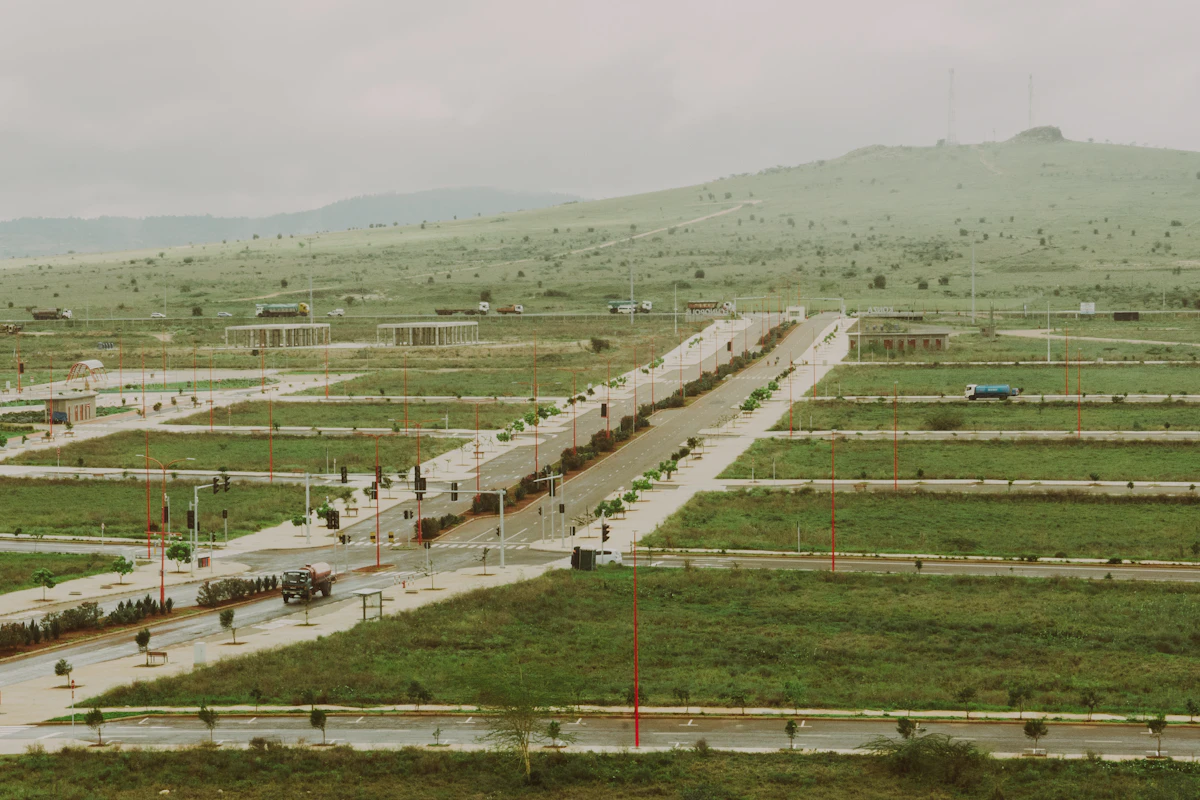
Photo: Alphonse Oudia on Unsplash.
The 4 shots a land subdivision needs
- Orbit around the lot. The drone circles the land at the same height. It's the shot most used in ads, and the one that works best for marking lots with their outline and area in editing.
- Top-down. The camera looks straight down. It's used for the site plan cover photo and for fitting the lots over the real land.
- Fly-forward reveal. The drone moves from the access road toward the project. It opens the video and answers where the project is and how to get there.
- 360 panorama. The drone holds still at one point and takes rows of photos that are later stitched into a sphere. It's the basis of the 360 drone tour.
One flight, several uses
| Material | Where it's used | What to ask for |
|---|---|---|
| Video | Ads on Facebook, Instagram and TikTok, project page | Horizontal and vertical versions |
| Aerial photos | Website cover, brochure, real estate portals | High resolution, no watermarks |
| 360 panoramas | The project's 360 tour | Stitched and corrected equirectangular images |
| Shots for marking lots | Videos with the outline, area or price over the lot | Smooth movement and the lot always in frame |
Going back to the land costs another trip, so it's worth defining before the flight what each shot will be used for.
When to fly: daylight
- Mid-morning good light for boundaries, roads and corners to stand out.
- Noon shadows are short and the land looks flat. Use it only if there's no other option.
- Sunset warm light for mood shots, not for showing boundaries.
- No flying in rain, fog or strong wind. Besides the risk, the land looks grey and the boundaries can't be made out.
What to prepare before the flight
- Visible roads and boundaries. Stakes, lime or tape at the main corners help mark the lots later.
- Weeds cut along the front of the lots. Buyers judge the land by what they see in the photo.
- The subdivision plan at hand to locate the flight points and check that the lots match what can be seen.
- A shot list agreed with the provider: which shots, from where and for what use.
The details of preparing the land for panoramas are in the guide to the 360 drone tour for land subdivisions.
What to ask the provider
Photo: Clay Banks on Unsplash.
- That they operate within your country's civil aviation rules, with the appropriate permits.
- The list of deliverables: how many videos, photos and panoramas, in which formats and by when.
- Horizontal and vertical video. Ads and stories use vertical format; the website and portals, horizontal.
- Usage rights in writing: ads, website, brochure and portals.
- A second capture when there's construction progress. A project that shows how it's advancing builds more trust than one stuck on empty land.
- What happens if the weather doesn't cooperate: that it's rescheduled at no cost.
Common mistakes
- Filming without knowing what it will be used for. You get pretty shots that don't work for marking lots or for the tour.
- Flying without preparing the land. Without visible boundaries, nobody understands where each lot starts and ends.
- Only video, no photos or panoramas. Then you have to go back to the land.
- Showing planned works as if they were finished. The buyer finds out on the site visit.
- Using renders instead of real shots of the land. A lot buyer wants to see the place.
How we do it at Royaltor360
At Royaltor360 we do the drone capture on site and use it for the whole sales system: the panoramas for the 360 tour with the lots drawn in, the top-down shot to fit the lots over the land, the interactive masterplan with up-to-date availability, and the aerial photos for the project's website. If you're unsure between the two, read interactive masterplan or 360 tour: which one your land subdivision needs.
If you're about to film your land subdivision, book a demo and we'll show you how each shot is used in a real project.